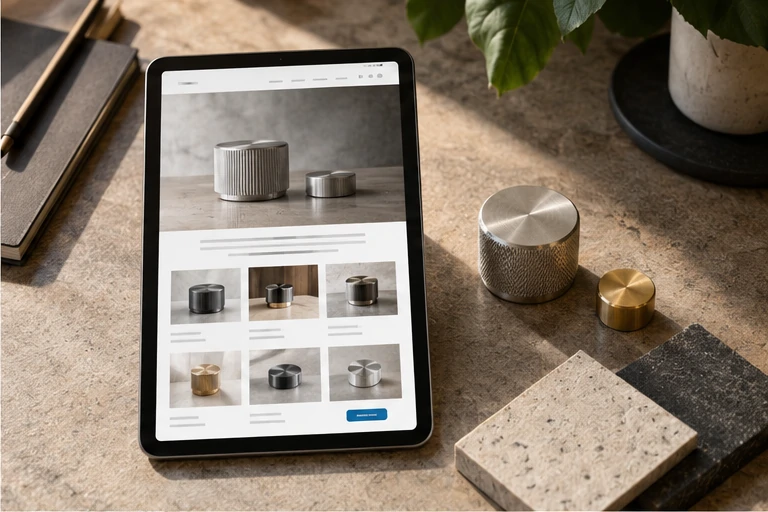
First, Clarify What the Article Page Should Answer for Readers
Before an article page goes live, the core of the check isn't about filling the page with content—it's about letting readers determine three things within seconds: what the content is about, who wrote it, and when it was last updated. Use these three points to decide what information to include and what can be omitted.
The following sections are organized in check order, suitable for content editors and operations staff at enterprise websites to go through item by item before launch.
Title Area: Title, Category, and Publish Date
The title should be understandable on its own. If the title contains internal abbreviations or project codes, readers may not understand them—change them to full expressions before launch. Below the title, it's recommended to keep the category and publish date so readers know which section the content belongs to and whether it's still applicable.
When checking, pay attention to:

- Whether the title matches the main topic of the content, and whether it deviates from the content just to attract clicks;
- Whether the category points to the correct section, avoiding publishing to an unrelated category;
- Whether the publish date is accurate—if it's an old article republished, consider whether an update note is needed.
Whether to display author information depends on the website's positioning. If articles on an enterprise website are maintained by a team, you can list the department or editor's name; if it's an expert byline, make sure the byline corresponds to content responsibility.
Main Content Area: Subheadings, Paragraphs, and Image Captions
Start by checking whether the structure is easy to scan. Breaking long paragraphs into subheadings and short paragraphs makes it easier for readers to find the parts they care about. Subheadings should have a progressive relationship, not just repeat the same sentence with different words.
Images and tables are common supporting information on article pages. Before launch, confirm:
- Whether images have captions so readers can understand what the image is about without looking at it;
- Whether image file names are easy for the team to search, avoiding meaningless strings of numbers;
- Whether tables have headers and whether columns and rows align correctly;
- Whether screenshots contain internal data or unpublished content that needs to be masked or replaced.
If the article cites external sources, confirm whether the sources are verifiable and whether the wording matches the original. For content you're unsure about, it's better to delete it than to use vague wording.
Navigation and Related Reading: How to Place Internal Links
Internal links on an article page serve two purposes: helping readers continue to related content and helping search engines understand relationships between pages. When checking links before launch, focus on whether the link text explains where it goes, rather than just writing "click here."
You can handle it this way:
- When mentioning other articles in the body, use the topic of that article as the link text;
- Limit related reading to a few items, prioritizing content from the same category or stage;
- Open each link one by one to confirm it doesn't point to a deleted page or wrong category.
If the website has breadcrumb navigation, check whether it can lead from the article page back to the category page and homepage. A clear path helps readers avoid getting lost.
Items Easily Overlooked Before Publishing
Beyond the content itself, several other pieces of information affect whether the article page is usable:
- Whether the page title and description summarize the article's topic, rather than directly copying the first sentence of the body;
- When previewing on mobile, whether the title wraps too many times or images exceed the screen;
- Whether contact information or consultation entry points are placed naturally after readers finish reading, without blocking the content;
- Whether the article has reasonable categories and tags set for future archiving and retrieval.

These items don't need lengthy discussion for every article, but confirming them one by one before launch can reduce rework after publishing.
Post-Publish Review Habits
After the article goes live, it's recommended to open it once in an incognito window to confirm that what readers see matches the backend preview. Then check again whether internal links and images display properly. If you find errors, correct them promptly and note the modification time in the content maintenance log.
There's no universal template for organizing information on an article page, but there's one criterion: after reading the title and opening, can readers judge whether the content is worth continuing to read? Checking around this standard is more effective than piling on more modules.