When customers open a corporate homepage, the first screen they see is usually quite limited. Visitors make very direct judgments here: What does this company do? Is it relevant to me? Where should I click next? The hero section should address these three questions—not pile on a company introduction upfront.
High comprehension costs often stem not from poor copywriting, but from the wrong order of information. Visitors first have to guess what the company sells, then guess whether it suits them, and finally find an entry point—each step drains patience. Getting the order right is more effective than writing beautiful sentences.
Let Visitors Confirm the Business First, Not the Company
The top of the hero section should prioritize the business itself. A main headline that a stranger can understand is usually more useful than "XX Technology Co., Ltd." The test is simple: cover the company name, read only that sentence, and see if someone unfamiliar with the industry can tell what you offer.
The main headline can include the target audience and delivery format, such as "Payment system deployment and maintenance for chain stores." This style doesn't aim for literary flair—it aims for instant categorization. The subheadline can then add differentiators like service scope, industry experience, or delivery method, but don't cram three or four selling points into the main headline.

If the company runs multiple business lines, the hero section doesn't need to cover them all. Pick the one currently being promoted and place the rest in the navigation or sections below. The hero section's job is to make people stay—not to explain everything at once.
State Who It's For to Reduce Self-Exclusion
After confirming the business, visitors immediately judge whether it's for them. Including information like "who this is for" or "which industries we serve" in the hero section helps the right people confirm faster and helps the wrong ones leave sooner, reducing ineffective inquiries later.
Audience descriptions should be specific enough to be identifiable. "Serving SMEs" is too broad; "Serving chain brands with 3 or more stores" makes it easier for people to self-identify. If precise numbers aren't available, you can describe the industry, use case, or purchasing stage—for example, "Suitable for manufacturing companies currently redesigning their website."
Note that audience descriptions are not the same as customer cases. Don't put unverified partnership information in the hero section—scenario descriptions can achieve the same filtering effect.
Keep Only One Primary Action Button in the Hero Section
Common hero buttons include "Contact Us," "Live Chat," "Learn About Products," and "Free Trial." The more buttons there are, the harder it is for visitors to decide which to click. It's recommended to keep only one primary button in the hero section and place other actions below or in the navigation.

Which button to choose as primary depends on your current business stage. For companies focused on consultation, a button leading to a contact page or inquiry form is more direct; for companies focused on product introduction, a button leading to the core product page is more appropriate. Button text that clearly states the action result is easier to understand than "Click Here."
You can place a secondary entry point next to the button, such as "View Service Process," but it should be visually distinct from the primary button to avoid competing for attention.
Use Images That Aid Understanding, Not Just Fill Space
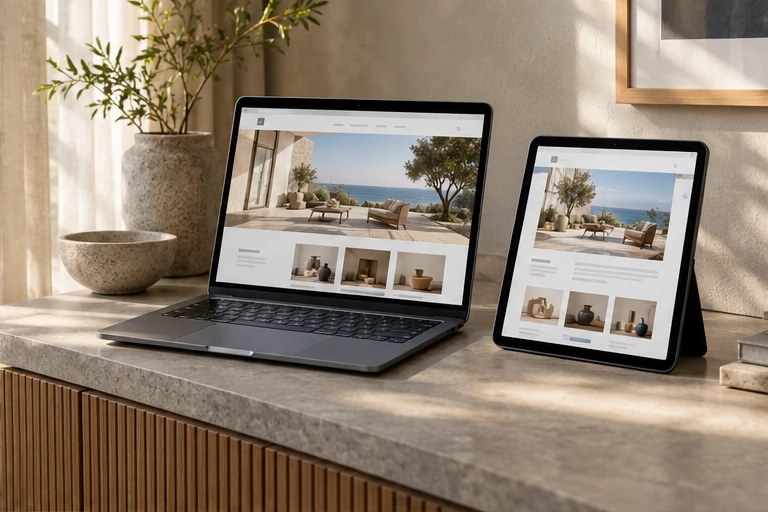
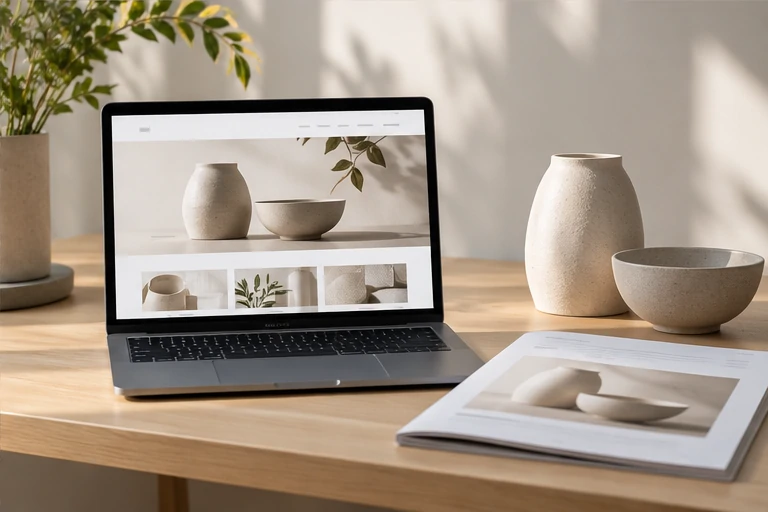
A common problem with hero images is using an office scene or abstract tech graphic unrelated to the business. Such images take up space without conveying information. A more practical approach is to use images that illustrate the business form—such as product interfaces, service scenarios, or delivery results.
If suitable images aren't available yet, it's better to reduce the image area and leave space for text. Image filenames should also be easy for the team to search, for example, naming them by business name plus purpose instead of the default "IMG_0231." This saves effort later when replacing images and optimizing for SEO.
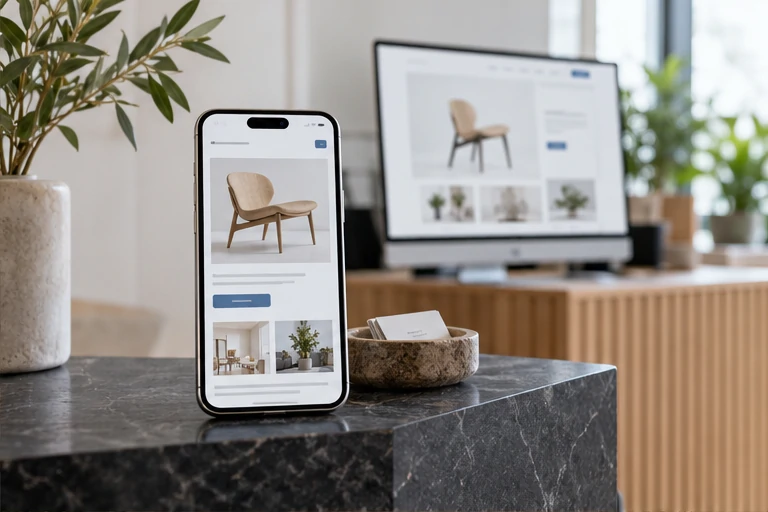
Text on images must be legible on mobile devices. In responsive layouts, the relative position of hero images and text changes, so check the display on both desktop and mobile before launch.
Walk Through the Comprehension Order Before Launch
After revising the hero section, don't just look at the design mockup. Walk through it from a stranger's perspective: cover the company name and read the main headline—can you tell what the business is? Look at the audience description—do you fall within the scope? Find the button—can you tell at a glance where to go next? If all three steps flow smoothly, the comprehension cost of the hero section is relatively low.
Also check whether the hero text is truncated on common screen sizes and whether the button is visible within the first screen. If the primary button requires scrolling to see, visitors are likely to leave immediately.
The hero section isn't something you finalize once and forget. When business priorities change or the main product is adjusted, the hero copy should be updated accordingly. Treat it as entry content that requires long-term maintenance, not a decoration filled in once during site construction.