Maintenance sections on corporate websites typically include announcements, update notes, and operation guides. However, many customers find these articles "hard to understand" or "lacking focus." The issue often lies in content organization—centered on internal terminology and processes rather than customer problems and scenarios. This article provides a customer-centric approach to restructuring maintenance articles, helping you create truly helpful content.
Understand What Customers Care About When Reading Maintenance Articles
Customers usually open maintenance articles to solve a specific problem, such as "What to do if the website is down" or "How to update a feature." They don't care about technical principles or version numbers; they only want to know: What is the issue? How do I fix it? How long will it take? Therefore, content should directly address these concerns.
Restructure Articles Around Problems
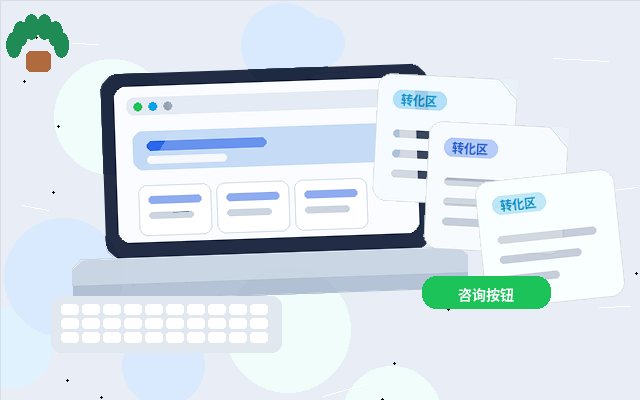
Traditional maintenance articles often follow a timeline or system module, like "December 2024 Maintenance Log," making it hard for customers to quickly locate information. We recommend organizing by problem scenario:
- Common Troubleshooting: List frequent issues customers may encounter, with each issue as a separate section and step-by-step solutions.
- Self-Service Guides: Compile operations customers can perform on their own (e.g., password reset, profile updates) into step-by-step tutorials.
- Update Notes: Explain new features and changes in plain language, focusing on how to use them and what has changed, rather than listing technical parameters.
Simplify Language to Lower Reading Barriers
Use terms customers understand instead of technical jargon. For example, replace "server response timeout" with "the website loads slowly or is inaccessible"; replace "database migration" with "moving website backend data." If technical terms are necessary, include a simple explanation at first use.
Highlight Actions and Results
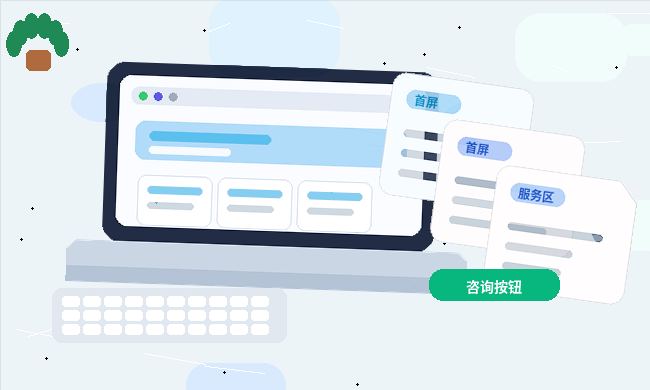
Start each section with a conclusion or the outcome of an action, then provide steps. For instance: "If the website shows a 404 error, follow these steps: First, refresh the page; Second, clear your browser cache..." This helps customers quickly determine if the content is relevant to them.
Use Checklists or Flowcharts for Clarity
For complex processes, consider using checklists or simple diagrams. For example, a "Pre-Launch Checklist" is more intuitive than a block of text. Note that not all content requires tables or lists; use them naturally based on complexity.
Collect Customer Feedback for Continuous Improvement
Regularly review customer comments and support records to identify recurring questions, which indicate articles that need improvement. You can also conduct small-scale tests by asking customers to read and provide feedback.
Restructuring maintenance articles is not a one-time task but an ongoing process. By adopting a customer perspective, content will increasingly align with real needs, and the value of your website maintenance services will be better perceived by customers.