The core conclusion of restructuring website positioning from a customer perspective is: do not center on self-promotion, but organize content and functionality around customer needs, pain points, and decision-making paths. Many corporate websites focus on introducing company history, organizational structure, and certifications, but users visiting the site care more about "Can you solve my problem?" and "Why is your product/service right for me?" Therefore, the first step in restructuring is to shift perspective—from "What do I want to say?" to "What does the user want to hear?"
Why Restructure Website Positioning from a Customer Perspective?
Corporate websites typically serve functions like brand showcase, product introduction, and lead generation. If positioning deviates from the customer perspective, common issues arise: the homepage is filled with company introductions, product pages list specifications without context, and contact pages lack clear purpose. Restructuring helps the website convey value more clearly, shorten user decision time, and improve conversion potential. Additionally, search engines favor pages that align with user needs and have clear structures.
How to Restructure Website Positioning from a Customer Perspective
1. Define Target Customer Personas
Start by analyzing your existing customer base or intended target users: Who are they? In what scenarios do they need your product/service? What factors matter most in their decision-making (price, quality, after-sales service, case results, etc.)? For example, a website for small business owners differs in focus and language from one for procurement managers. Validate assumptions through interviews, surveys, or backend data (e.g., search terms, consultation records).
2. Map the User Decision Path
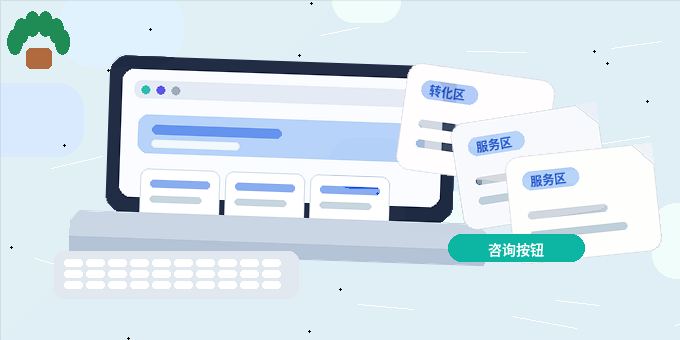
Users typically go through stages: "Awareness - Comparison - Trust - Contact." For each stage, provide corresponding content:
- Awareness stage: The homepage should quickly present core business and unique advantages, summarizing "What we do" and "Why you need it" in one sentence.
- Comparison stage: Product/service pages should offer detailed feature descriptions, applicable scenarios, and differentiators, possibly using tables or comparisons (without naming competitors).
- Trust stage: Showcase real cases, customer testimonials, and verifiable certifications. Ensure cases are anonymized or authorized.
- Contact stage: Make contact information clear, offering online chat, forms, phone, etc., to reduce user effort.
3. Reorganize Information Architecture
Adjust navigation and page hierarchy based on the user decision path. For instance, rename "Product Center" to "Solutions" or "Use Cases," and "News" to "Industry Insights" or "Practical Guides." Ensure key information is reachable within three clicks. Streamline unnecessary pages, such as merging "Company Culture" into "About Us," to avoid distracting users.
4. Adjust Content Expression
Shift from "product features" to "customer benefits." For example, instead of "Uses imported Grade A chips," write "Stable operation reduces downtime risk." Instead of "Nationwide service coverage," write "Get timely support wherever you are." Use terms users commonly search for in titles and body text, but avoid keyword stuffing. Keep language simple, minimize jargon, and add brief explanations when necessary.
5. Design Visual and Interactive Guidance
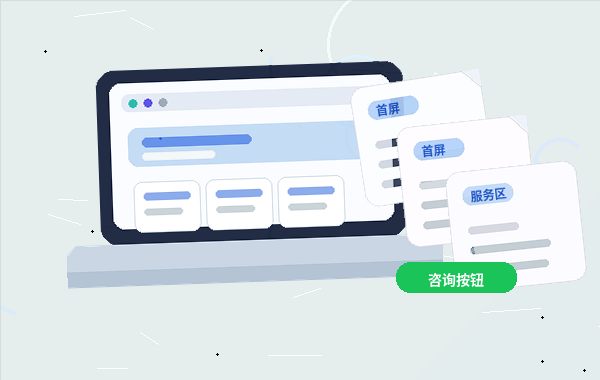
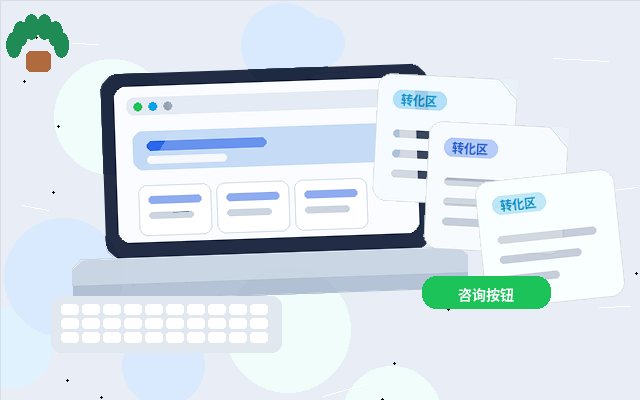
Highlight key action points (e.g., "Consult Now," "Get a Quote") with contrasting colors or buttons in appropriate positions. Page load speed, mobile responsiveness, and form simplicity all affect user experience. Use heatmap tools to analyze click behavior, identifying high- and low-attention areas, and adjust layout accordingly.
Checklist After Restructuring
After completing the positioning adjustment, review the following checklist:
- Can the homepage convey "What you do" and "Why choose you" within 5 seconds?
- Do product/service pages start from customer problems rather than listing specifications?
- Is there sufficient trust-building content (cases, data, certifications)?
- Is contact information visible in a fixed position on every page or floating?
- Is mobile browsing smooth, and are forms easy to fill out?
If gaps exist, prioritize optimizing high-traffic or high-bounce-rate pages.
Common Mistakes and Considerations
- Mistake 1: Replacing the customer perspective with the boss's perspective. Have someone unfamiliar with your company browse the site and provide feedback to identify cognitive biases.
- Mistake 2: Trying to fix everything in one redesign. Adjust in phases: start with core pages (homepage, product/service pages), then optimize supporting pages.
- Mistake 3: Neglecting ongoing content updates. After positioning adjustments, regularly fine-tune based on user inquiries, search data, and business changes to maintain relevance.
Conclusion
Restructuring website positioning from a customer perspective is not a one-time redesign but an ongoing operational mindset. When a website truly centers on user needs, it not only enhances browsing experience and conversion rates but also achieves better organic search rankings. We recommend reviewing positioning every six months to a year, using data feedback for continuous improvement.