What to Prepare Before Launching a Website
After completing website development, launching is not simply uploading files to a server. First, confirm several basic conditions: whether the domain has been filed or completed real-name authentication, whether the server is stable, and whether the website content is complete. If the website involves online payments or user registration, ensure SSL certificates are deployed to avoid browser security warnings.
Step One of the Launch Plan: Itemized Checks
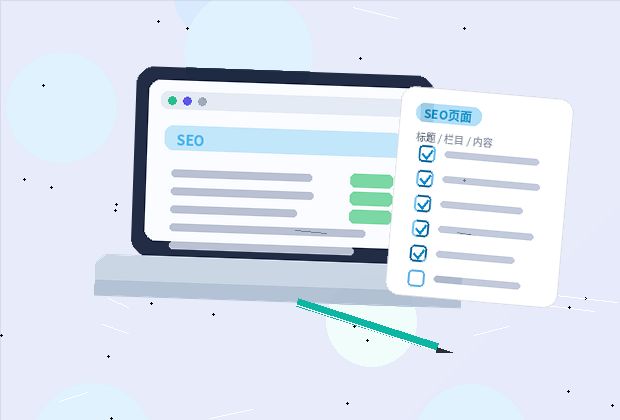
Pre-launch checks can be conducted in several dimensions:
- Content Check: Ensure all page copy is finalized, with no typos or placeholders. Verify contact information, addresses, and phone numbers are accurate.
- Functionality Testing: Test form submissions, search functions, navigation links, and button clicks. If there is a membership system, test registration, login, and password recovery processes.
- Compatibility Testing: View page display on different browsers and mobile devices to ensure layout is intact and images load correctly.
- Performance Check: Ensure page loading speed is within acceptable limits, images are compressed, and code has no redundant requests.
- Security Settings: Confirm basic measures like backend password strength, file upload restrictions, and SQL injection prevention are configured.
Use online tools for assistance, such as speed tests and link checkers. However, it is recommended to manually walk through key processes, as tools cannot judge user experience details.
Specific Steps for Deployment
After checks pass, proceed to deployment. The general process is as follows:

- Backup Current Website: For a redesign, fully backup the original website files and database to allow rollback if needed.
- Upload New Website Files: Use FTP or a server panel to upload new files to the appropriate directory. For CMS-based sites, import the database as needed.
- Domain Resolution: Point the domain to the new server IP. Note that resolution may take minutes to hours; set a low TTL value in advance.
- Test New Environment: Access the new site via local hosts file or temporary domain to confirm it runs without errors.
- Switch Official Domain: Once verified, update domain resolution records for the official launch. For old sites, set up 301 redirects from old URLs to new ones.
- Submit to Search Engines: Submit site change rules or new site verification on Baidu Webmaster Tools to help search engines recognize changes quickly.
Post-Launch Operations and Maintenance
Launching is not the end but the start of operations. Focus on these areas after launch:
Content Updates
Regularly update company news, product updates, and industry insights to keep the site active. Search engines crawl updated sites more frequently, and users are more likely to return.
Data Monitoring
Install analytics tools to understand traffic sources, popular pages, and user behavior. Adjust page content and navigation based on data to improve user experience.
Security Maintenance
Regularly update the backend system, plugins, and templates to patch known vulnerabilities. Change default admin accounts and passwords, and enable login CAPTCHAs.
Backup Strategy
Regularly backup website files and databases, and set up automatic backups. This allows quick recovery in case of issues.

Common Issues and Precautions
What if the page doesn't load after launch? Check if domain resolution has taken effect, the server is running, and file permissions are correct.
What if old pages are missing on the new site? Set up 301 redirects from old URLs to corresponding new ones to avoid 404 errors that harm user experience and SEO.
Do I need to adjust server configurations after launch? For high traffic, consider caching, compression, or CDN acceleration. Optimize gradually based on actual traffic.
Successful execution of a website launch plan depends on thorough preparation and comprehensive testing. It is advisable to create a detailed timeline, assign responsibilities, and allow buffer time before the official launch to handle unexpected situations.